Video Tutorial
What is ExamBase (3:11)
My Account@HKUL: Loan History, Fines and Fees (0:27)
Library Regulations
Check Your HKU Email

All library notices, including courtesy due reminders, will be sent to your HKU email only. Please check it regularly to avoid missing important updates.
Mobile@HKUL
The official mobile app provides quick access to HKU libraries information and services.

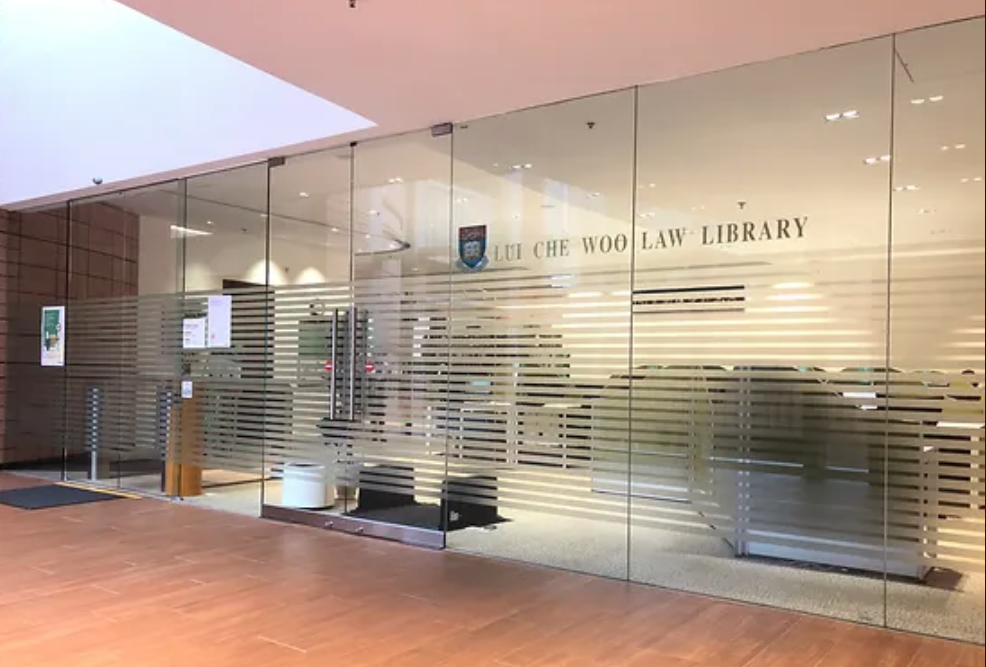
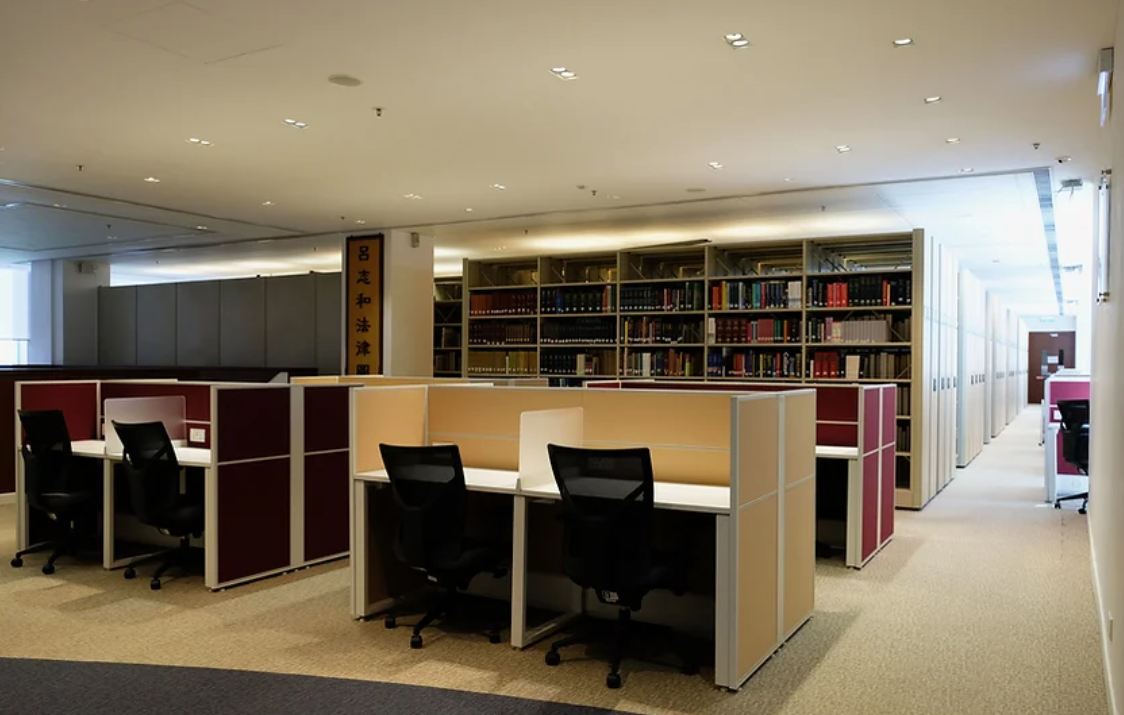
Welcome to the Lui Che Woo Law Library!
Explore this guide for the essential tips to maximize your experience and access the library's extensive resources.
Essential information on the Library Homepage
Click on the  icons for more information and helpful tips!
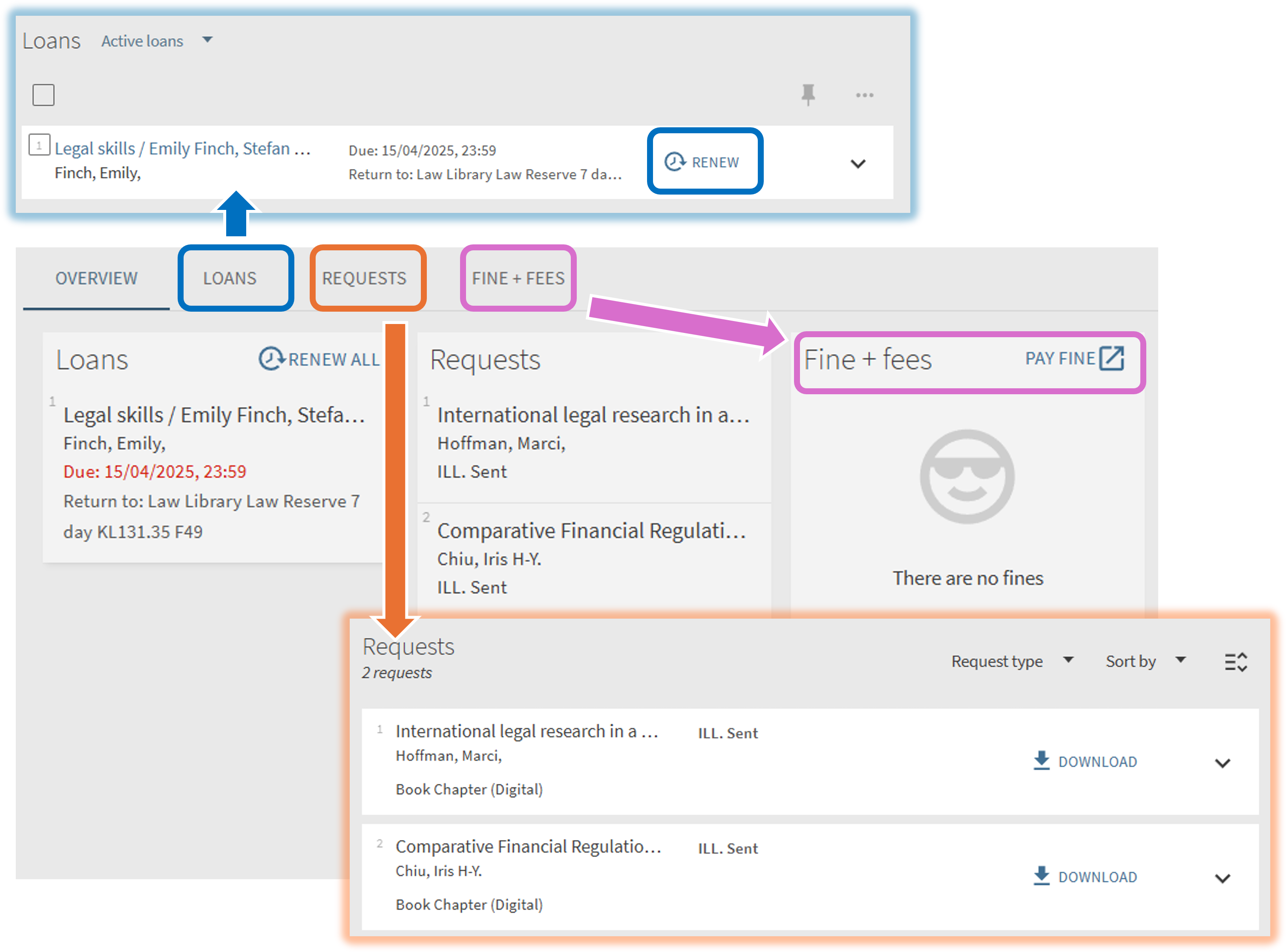
You can click on MyAccount@HKUL to manage your library account after logging in with your HKU Portal UID and PIN.
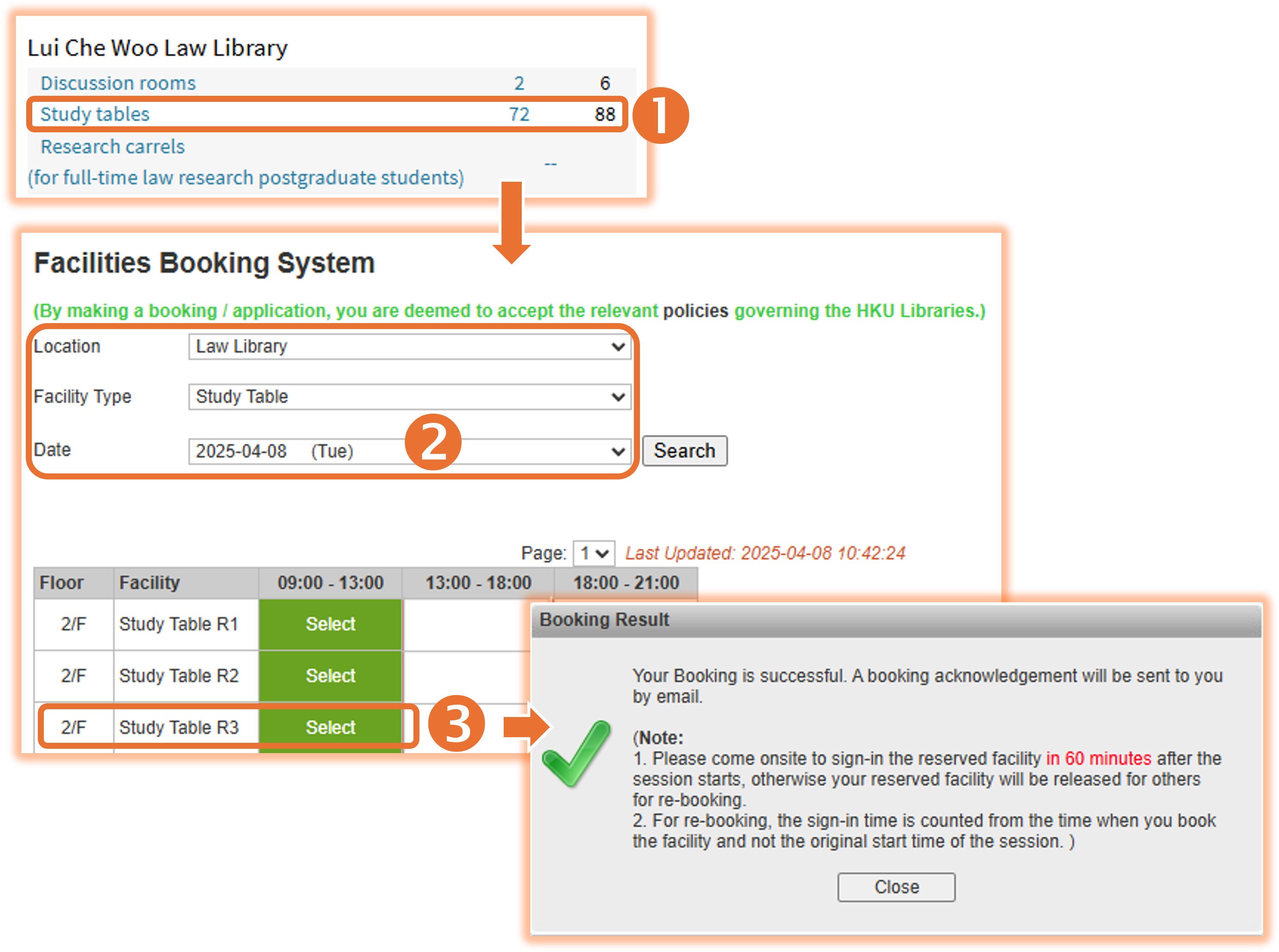
You can click on Book a Space to reserve discussion rooms, study tables, and other facilities in the Law Library and other HKU libraries with the steps below:
Past Examination Papers
You can access selective* past examination papers by searching or browsing through Exambase. Follow these steps to search:
1. Enter the course title, course code, or keywords in the search box.
2. Choose the appropriate search type.
3. Adjust the search filters, if necessary.
4. Click the "Search" button.
5. Click on the titles with red hyperlinks to get the full text of the examination paper.
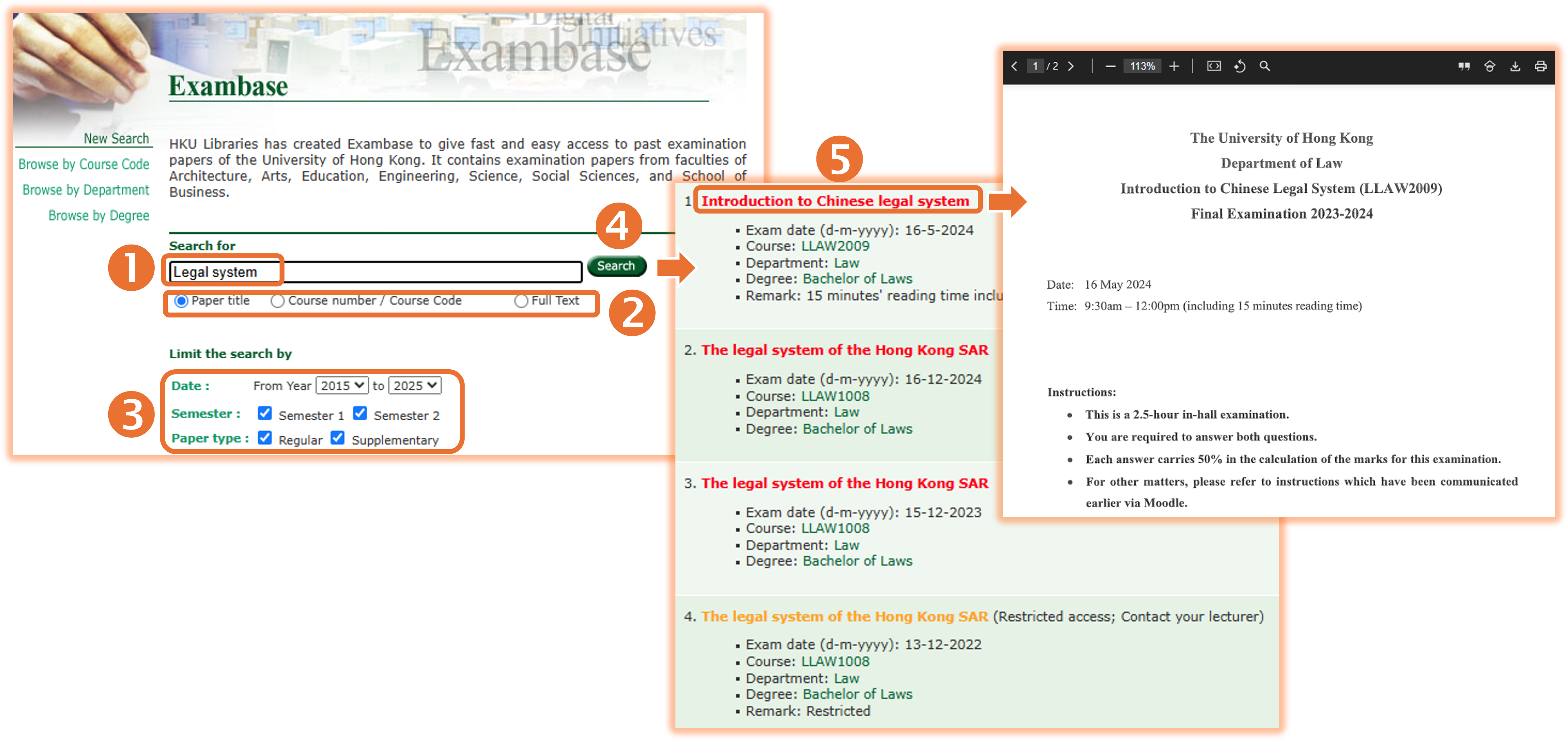
* Please note that not all past papers are available, as access depends on the consensus of different course lecturers. Papers with restricted access are highlighted in yellow. Additionally, answers to the questions are not provided.
Printing & Photocopying
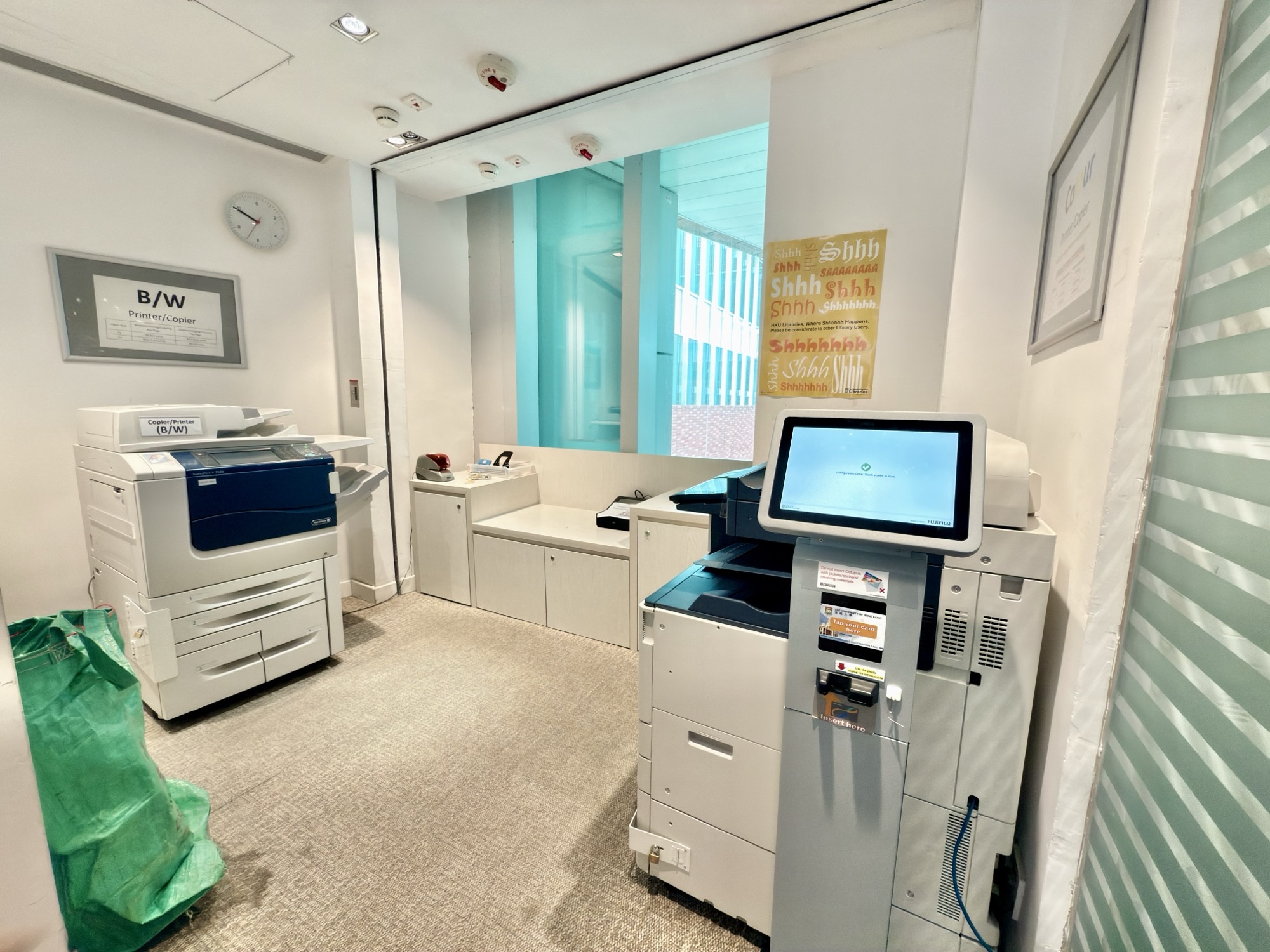 There are 4 black-and-white printers and 1 color printer* in the Law Library:
These printers operate on a quota-based system called uPrint, which allows you to send print jobs from your laptop or other devices and pick them up from any uPrint printers. Detailed instructions are provided below:
After completing your printing or photocopying, please remember to log out of your account.
* All jobs sent to color printers are charged as color prints, even if the job is for black-and-white printing.